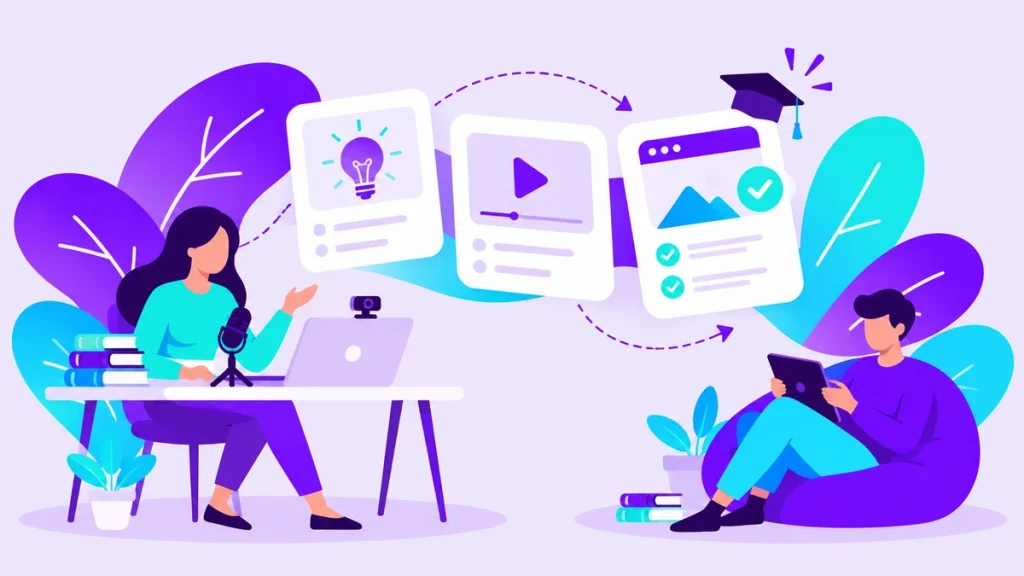
Launch your first online course by choosing one clear outcome for learners, turning your existing materials into a sequence of manageable lessons and testing the programme with a small pilot group. Then organise the content on a platform, arrange enrolment and access, and open registration when the complete learner journey works.
You do not need to record dozens of hours of video or include everything you know. A focused programme that solves one specific problem is often a better starting point than a large collection of loosely connected materials.
Start with what learners will be able to do
A course topic and a course outcome are different things. Product photography is a topic, while being able to take clear product photographs with a phone is a practical outcome.
That distinction helps you decide what belongs in the programme. A lesson that does not contribute to the outcome can become additional material or part of a more advanced course.
Answer four questions:
- Who is the course for, and what do they already know?
- What problem do they want to solve?
- What will they create or do by the end?
- How will you recognise that they have achieved the goal?
Avoid promises that depend on many factors outside your control, such as guaranteed earnings or employment. It is clearer to describe a specific skill and explain how learners will practise it.
Review your materials before recording anything new
Presentations, notes, worksheets and questions clients regularly ask can provide a strong foundation. However, materials that work alongside your spoken explanation may not be clear enough for independent study.
Sort what you have into three groups. Some content is ready to use, some needs explanations or examples, and some no longer belongs in the new programme.
Check particularly carefully:
- Whether facts and examples are still accurate.
- Whether you have permission to use photographs, music and other third party materials.
- Whether confidential client details or unnecessary personal information have been removed.
- Whether text is readable on a phone.
- Whether every activity includes clear instructions.
This review prevents you from recording content you do not actually need. It also reveals the gaps where new material will make the biggest difference.
Create a straightforward lesson sequence
A good course follows the learner's understanding, not the order in which an expert happens to remember the subject. Introduce the necessary foundations, demonstrate the process and then move towards more complicated situations.
Write one sentence describing the purpose of each lesson. If you need several unrelated objectives to explain a lesson, consider dividing it into smaller parts.
A practical lesson might include:
- A brief explanation of the problem.
- A demonstration or worked example.
- An activity the learner completes independently.
- An example answer or clear assessment criteria.
- A connection to the next lesson.
Let the content determine the lesson length rather than choosing an arbitrary number of minutes. A meaningful stopping point is more useful than making every video exactly the same duration.
Choose the format that suits the skill
Not every subject needs a video. A screen recording can help explain a software process, while a sample document and worksheet may be more useful for project planning.
You can combine text, audio, video and practical activities. Where possible, provide a short summary or transcript alongside video so learners can find information and follow the content more easily.
If you want to turn books and exercises into interactive learning materials, explore the The English Book Digital project. It illustrates how learning content can become more than a file to download.
For your first recordings, prioritise understandable sound and a clear picture. Expensive equipment will not compensate for confusing explanations, while a simple, carefully prepared recording can be sufficient for a pilot programme.
Decide how learners will receive access
Before selecting a platform, decide whether people will study independently, join a group or attend live sessions. Record whether access lasts for a fixed period or remains available without a predetermined end date.
Each model raises practical questions. Group programmes need clear schedules and communication, while independent courses need particularly good navigation and help when someone gets stuck.
Map the following steps:
- How someone registers or purchases the course.
- How they receive their account.
- When access begins and ends.
- Where they ask questions and when to expect a reply.
- How requests to change or end access are handled.
Compare the tools on the online learning platform overview with your requirements. The most suitable solution supports your programme while keeping unnecessary manual administration to a minimum.
Write a course page that answers real questions
Someone considering enrolment wants to know whether the programme suits them. Explain the required knowledge, course content, teaching format and practical activities.
Describe what the price includes, how long access lasts and whether individual feedback is available. If you do not yet have learner reviews, show a real lesson extract or sample activity instead of inventing recommendations.
Make these details easy to find:
- The outcome the programme helps learners achieve.
- Who it is designed for and who may need a different option.
- A module overview and sample material.
- Support arrangements and usage conditions.
- The price, relevant terms and a clear next step.
These explanations reduce avoidable questions before enrolment. They also help attract people whose needs match the programme you have actually created.
Test the course before opening wider registration
Invite a small group who resemble your intended audience. Explain the arrangement upfront if they receive a special price or free access in exchange for feedback.
Do not ask only whether they enjoyed the course. Ask them to show what they can now do, and record where they paused, stopped or requested another explanation.
Test the technical journey as well, from registration to the final activity. Try the learner account on a phone, check the messages it receives and complete the forgotten password process.
Your pilot does not need to prove that every possible learner will succeed. Its purpose is to reveal practical improvements while changes are still manageable.
If you need help turning your content and platform into one coherent programme, prepare a sample module and contact Euphoria Digital. A concrete example makes it easier to agree on the scope and a sensible order of work.
Frequently asked questions
Must the entire course be recorded before it starts?
Not necessarily, if you clearly describe a scheduled group programme. For a finished independent course, promised content should be available according to the published terms.
How many lessons should a first course contain?
Enough to achieve the stated outcome. Lesson count matters less than clear progress and opportunities to apply the learning.
Can I use existing presentations?
Yes, but adapt them for independent learning. Add the explanations, examples and instructions you would normally give aloud.
Can I offer a free sample lesson?
Yes. Choose a real part of the programme that shows your teaching approach and helps someone decide whether the course suits them.